
10 Best Chrome Extensions for Freelancers, Bloggers, and Marketers in 2026
I have great experience in using Chrome Browser and its Extensions as a learner and a developer for different types of tasks in SEO and Digital Marketing. Here I will suggest to you the 10 Best Chrome extensions that are highly productive for startups, businesses, Freelancers, Bloggers and Marketers in the United States, Canada and the United Kingdom.
You do not need to waste a lot of time checking the right extension for you. I have already wasted days and nights finding out Business – oriented Chrome Extensions with all their free and paid versions. You just visit this blog and select one of your required Chrome Extensions.
What are Chrome Extensions?
Chrome Extension is a mini software program that is highly specific in its activity and enhances the productivity of the Web Page. These extensions are very beneficial for us to ensure the privacy and security of our Google Chrome Browser. There are almost 200,000 Chrome Extensions that are available in the Chrome Web Store.
Table of Content
|
Extensions |
Purpose |
Pricing |
|
Grammarly |
Improve all your Grammatical mistakes in writing. |
Free + Paid$12/month (annual) ~$30/month Business ~$15/user/month |
|
Todoist |
Organize your to-do list for the day. |
Free + Paid$4/month (Pro)Business ~$6/user/month |
|
Buffer |
Schedule all of your Social Media Posts |
Free + Paid$6–$12/month per channel |
|
Diigo |
Organize webpages for research. |
Free + Paid$5/month (Standard)$8/month (Professional) |
|
Keyword Everywhere |
Help you to give the list of highly searched Keywords on Google. |
Paid~$10 for 100,000 credits |
|
AliHunter |
Product dropshipping and client hunting. |
PaidStarts around $49/month) |
|
Canva |
Editing all of your posts and projects. |
Free + Paid$12–$15/month (Canva Pro) |
|
AdBlock |
Blocking of all irrelevant ads. |
Free |
|
1Password |
Saving all of your important passwords. |
Trial+ Paid$3/month (Individual)~$5/month (Family)Business higher |
|
MailTracker |
Aware you of all Gmail activities. |
Free + Paid$5–$10/month |
1. Grammarly: As a Writing Assistant
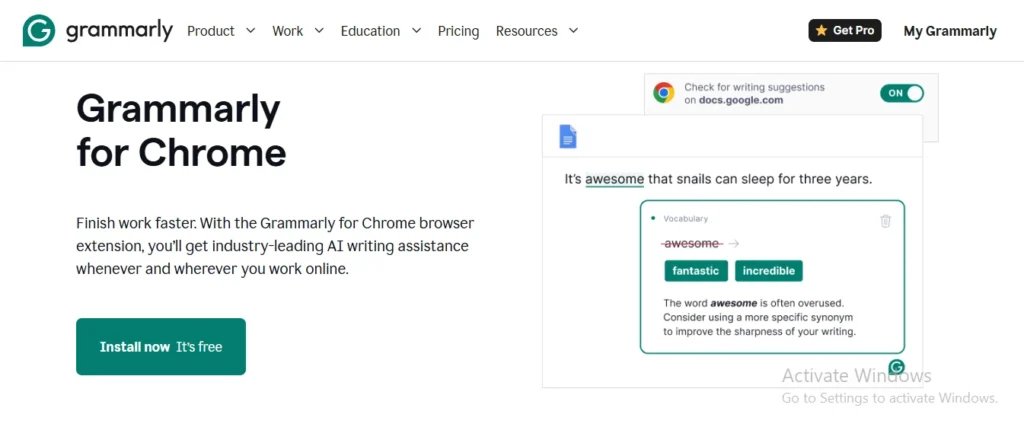
It is one of the most commonly used Chrome Extension for mistake-free and grammatically correct writing. Grammarly will help to point out your grammar mistakes, misspellings, punctuation, and narrations. It not only highlights the errors in the writing but also gives you suggestions to correct them. It will help you to generate error-free content for the blogs, emails and copywriting.
Benefits of using Grammarly
- It will save you time on editing content and you can focus solely on your core idea and generate more content related to your project.
- While writing, you don’t need to worry about the grammar, tone, punctuation and plagiarism. Grammarly is continuously busy to make your content mistake-free and effective.
- This is really helpful for all native and non- native English speakers to make their writing better as bloggers and freelancers.
2. Todoist Extension: Tasks Savers
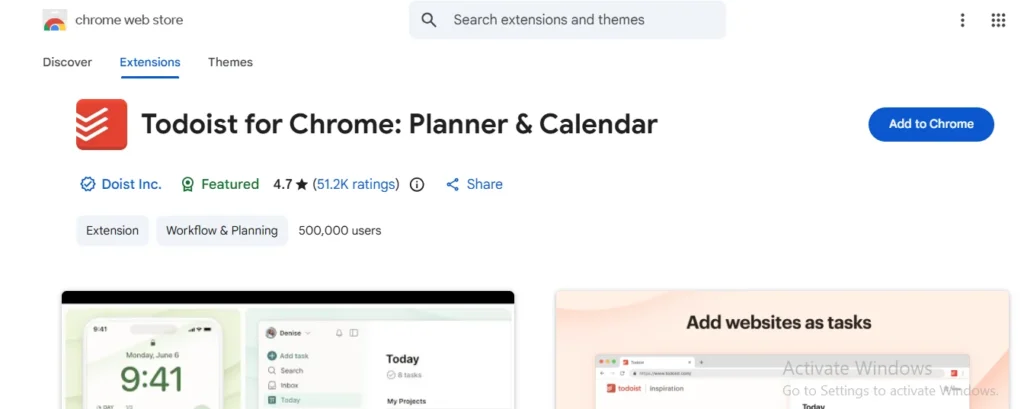
Todoist is the best Chrome Extension for professionals and developers to save their webpage for project completion later on. It has provided the option of saving the URL of the Webpage and you can again open this page with the same work that you left. We can enlist a to- do list of our daily tasks for a peaceful reminder.
This app can save your lots of time and make you disciplined to complete all tasks within the due date. This extension also has a free trial and a paid extension with many pro features and low pricing.
- Buffer As a Regulator of your Social Media Posts
Buffer Chrome Extension is very valuable for Digital Marketers to handle their social media platforms. This will facilitate you to queue up all the next posts in the draft and post it on the peak audience time. All social media platforms like TikTok, Instagram, X and YouTube also give the option of lining up drafts, but this extension makes your work easier and beneficial.
The daily posting on all social media platforms is really a tiresome work; sometimes it is very exhausting for the marketers. Buffer is such an extension that makes you do all your daily postings in a couple of clicks on all platforms.
- Diigo: Bookmark on SEO Resources
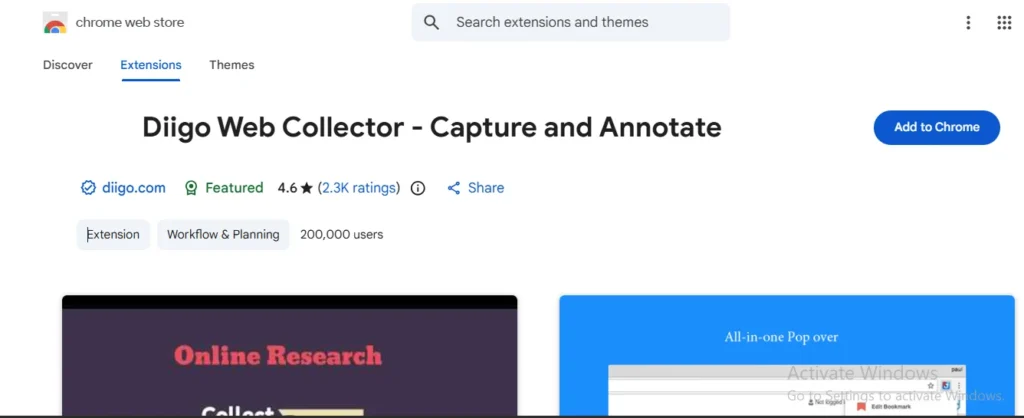
Diigo stands for “Digest of Internet Information for Groups and Other Stuff”.
Diigo is a 5-star rated Chrome Extension that will help to research deeply on the project and bookmark it for later use. We can add a bookmark with a remembrance note, stickers or attach highlights for SEO research and data organization.
How to use the Diigo Chrome Extension in the browser?
- Sign up for free at Diigo.com.
- Add the Chrome extension or the “Diigolet” bookmarklet for a no-install option.
- Navigate to an SEO article, click the Diigo icon and select Save or Annotate.
5. Keyword Everywhere: A Notable SEO Tool
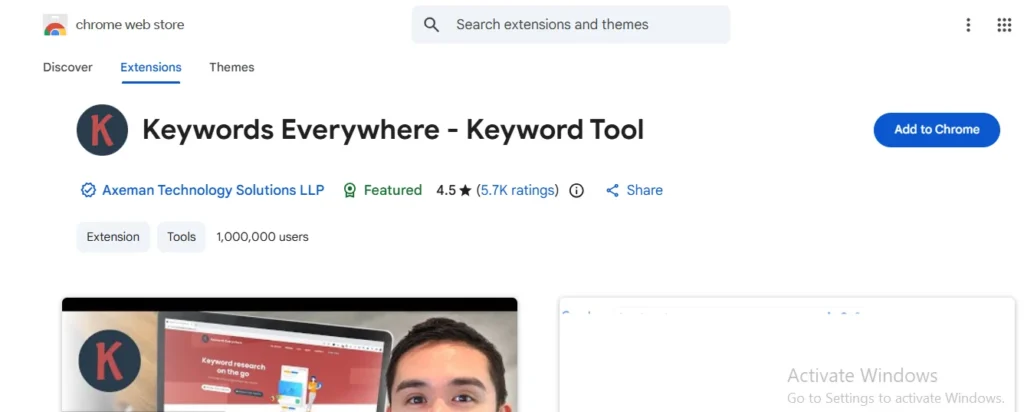
This is one of the notable SEO tools that is used to analyze websites from Keyword to Search Volume and Competitor Analysis. Keyword Everywhere analyzed the Google Trends and indicates that the targeted Keyword is gaining or losing search volume or trends.
It examine the competitors deeply and extract all the main, query-based and long tail Keywords. This tool is also applicable for YouTube and Amazon Keyword Extraction and analysis.
Pros and Cons of Keyword Everywhere
| Pros | Cons |
| Keyword Everywhere is a convenient and user-friendly tool that gives us free trials for 15 website analyses. | Its free version is limited, while the paid version provides us with deep competitor analysis and highly ranked keywords. |
6. AliHunter: A Dropshipping Helper Tool
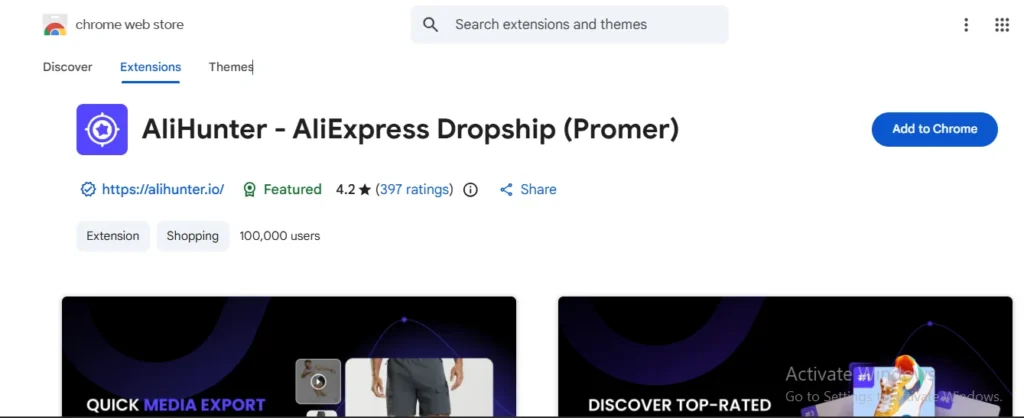
AliHunter is exclusively designed for product research, pricing, and dropshipping by Shopify and AliExpress Dropshippers. This will help you to track the competitor store, its products, sales, and strategies. This Web Chrome Extension will provide you with a direct link to the AliExpress Dropshipping Center.
This extension will cover the areas of product research, price history, sales volume and shipping credibility of the competitors. If you make it better than your competitor, then you can generate sales within a few months.
7. Canva Web Chrome Extension
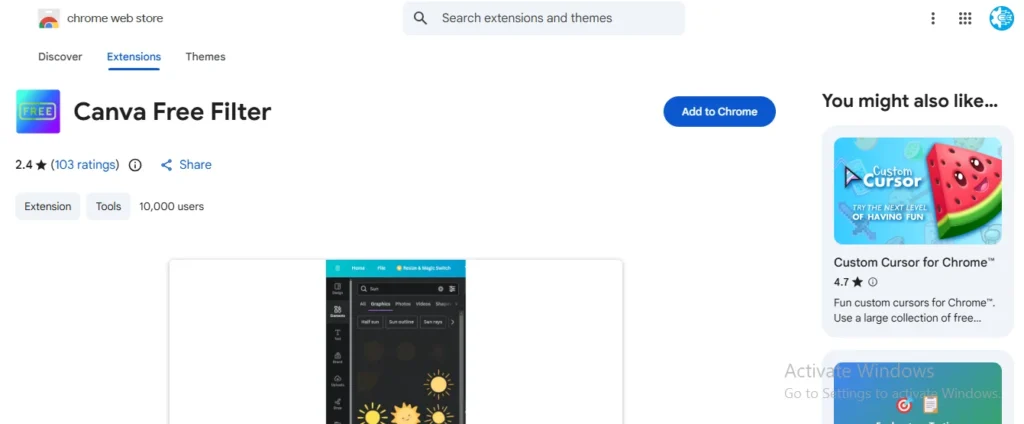
It is one of the most effective and time -saving Chrome Extensions for Freelancers, Bloggers and Digital Marketers for editing their posts and thumbnails. It is available as an app on the Google Play Store for Smartphone users and quick editing. While on the Web Browser, it is available as an extension and provides all tools like templates, texts, stickers, themes and images to make your post or video more appealing.
We can use Canva as a Chrome Extension, or we can go on the official Canva website and download it for later use. It has several template types, such as docs, PPTs for project presentations, Instagram posts or reels, YouTube thumbnails, etc.
8. AdBlock Extension Use For Better Browsing
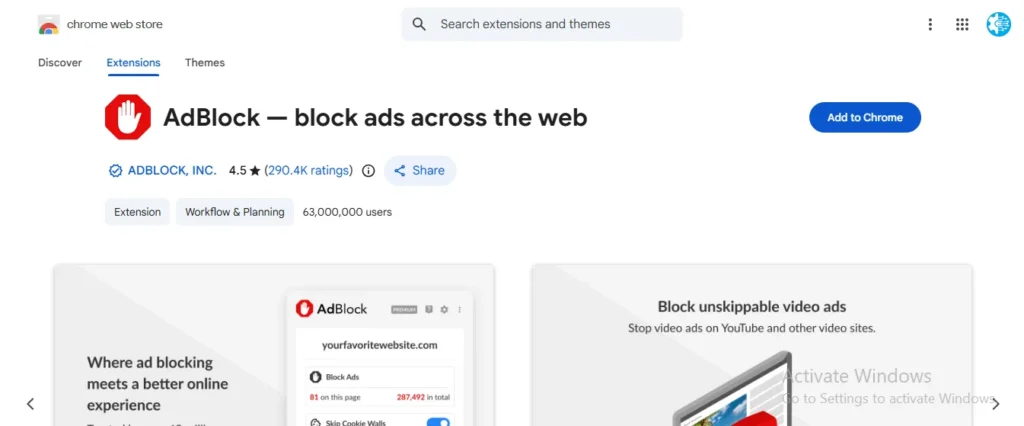
AdBlock is an extension that will provide you with an ad-free browser search and competitor analysis. This will block all the image or video ads, pop-up notifications, or banners in your browser and save your lots of time in cancelling these ads and notifications.
This app is very considerable for the content writer and Bloggs creator to focus their attention on their projects in spite of waiting times on these fed-up ads. This extension has a free version and its paid version will block all the distracting material from your browser while researching.
9. 1Password As Protectors of Passwords
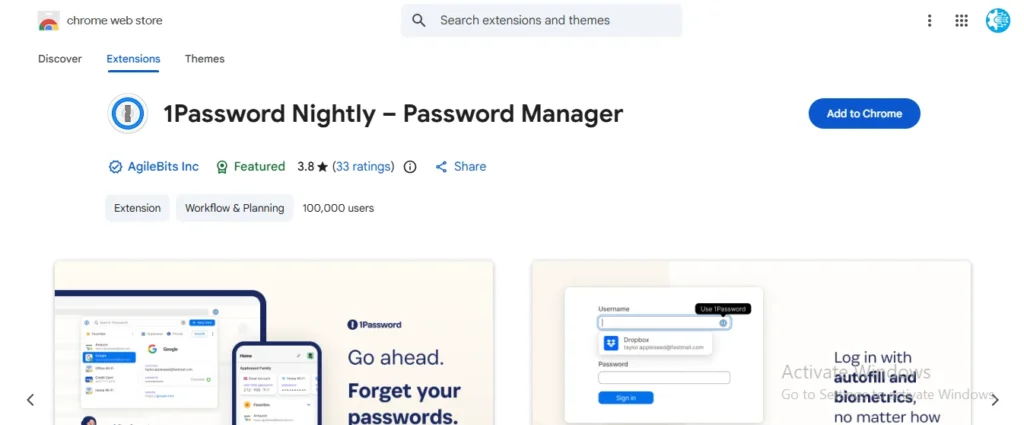
1Password is a unique Chrome Extension for content creators and entrepreneurs for saving their passwords of login, sign-up, social media accounts, freelancing accounts or important credentials. When we are working on different projects, we can’t save all passwords in our diary or in a folder, so 1Password saves all our important passwords.
1Password Chrome Extension will offer us a 14-day free trial, but later on we have to pay its monthly, family or annual subscriptions. Here are the complete subscription details:
- Individual plan: From $2.99 USD per month
- Families plan: From $4.49 USD per month
- Teams Starter Pack: $19.95 USD per month for up to 10 users.
- Business plan: $7.99 USD per user per month.
- Enterprise: Custom pricing, contact sales
10. Mail Tracker For Gmails
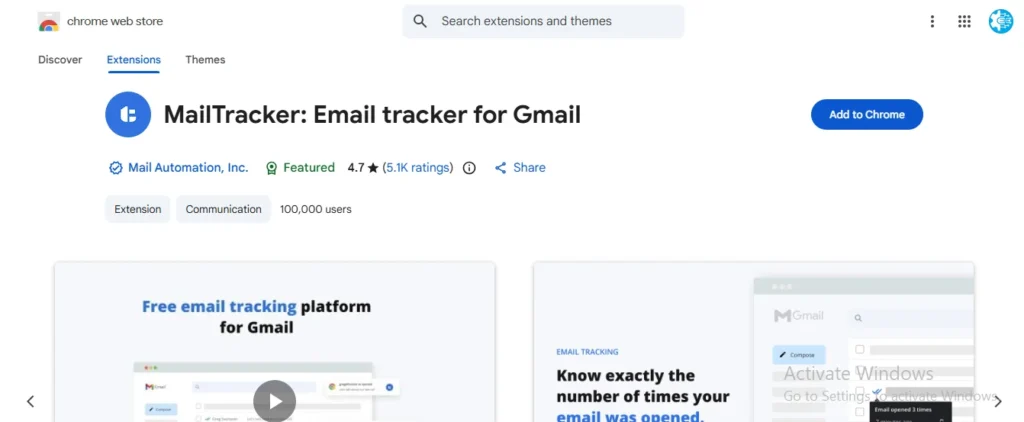
This Chrome Extension is used for tracking all your sent emails and their responses. In the era of tech and AI, there are lots of emails that are sent and received on a daily basis. For a Google Entrepreneur, this extension is very helpful to know about the clients’ activities
and responses. This extension will give you a notification as the recipient opens your email and it will keep you aware of all important work Emails.
Final Verdict
Taking everything into account, hundreds, even thousands of Chrome Web Extensions are available in the Chrome Web Store. But in this blog, I have mentioned all the extensions that are helpful for Freelancers, Bloggers, and Digital Marketers after many years of experience.
FAQs
Are all Chrome Web Extensions Free?
No, not all Chrome Web Extensions are free. Just a few of them are completely free and most of them require a fee to use their full features.
Give me the list of the best Google Chrome extensions for productivity.
Here is the complete list of the Best Chrome Extensions for the productivity of freelancers, bloggers, and Digital Experts.
…………….Table link……………………
Is there any 3rd-party tool required to use Chrome Extensions?
No, there is no need for any 3rd party tool for using the Chrome extensions. All these extensions are available on the Google Chrome Web; you have to install and use them.